A thumbnail hides the problems that matter
A small preview can make a page look cleaner than it will on paper. Inspect the exported interior at its intended size. Look for broken contours, tiny closed areas, repeated stray marks and details that are difficult for the intended reader to understand.
Compare neighboring pages as well as individual drawings. Characters, objects and complexity should feel coherent across the book. A page that is attractive by itself can still feel out of place in the sequence.
Check the book as a physical object
- Confirm the final trim and that important art stays comfortably inside the intended margins.
- Check title pages, captions, blank backs and the sequence of drawings.
- Make sure a caption does not explain an image that was replaced during redrawing.
- Use the final page count when checking the cover wrap.
- Print representative pages and try the coloring materials you expect readers to use.
Separate a file check from a publishing decision
Opening a PDF successfully proves only that the reader can parse that file. It does not prove that the paper, binding, contrast or line density will feel right. Use the platform's preview tools and review a physical proof before approving a listing.
Amazon requires disclosure of AI-generated images and holds publishers responsible for their content. Check its current rules when submitting a book; an AI tool cannot promise that a particular book will be accepted.
Record revisions before the next export
Keep a short list by page number: what needs changing, why and how you will recheck it. After a redraw, inspect the neighboring pages and regenerate affected exports. Avoid sending an old interior with a new cover.
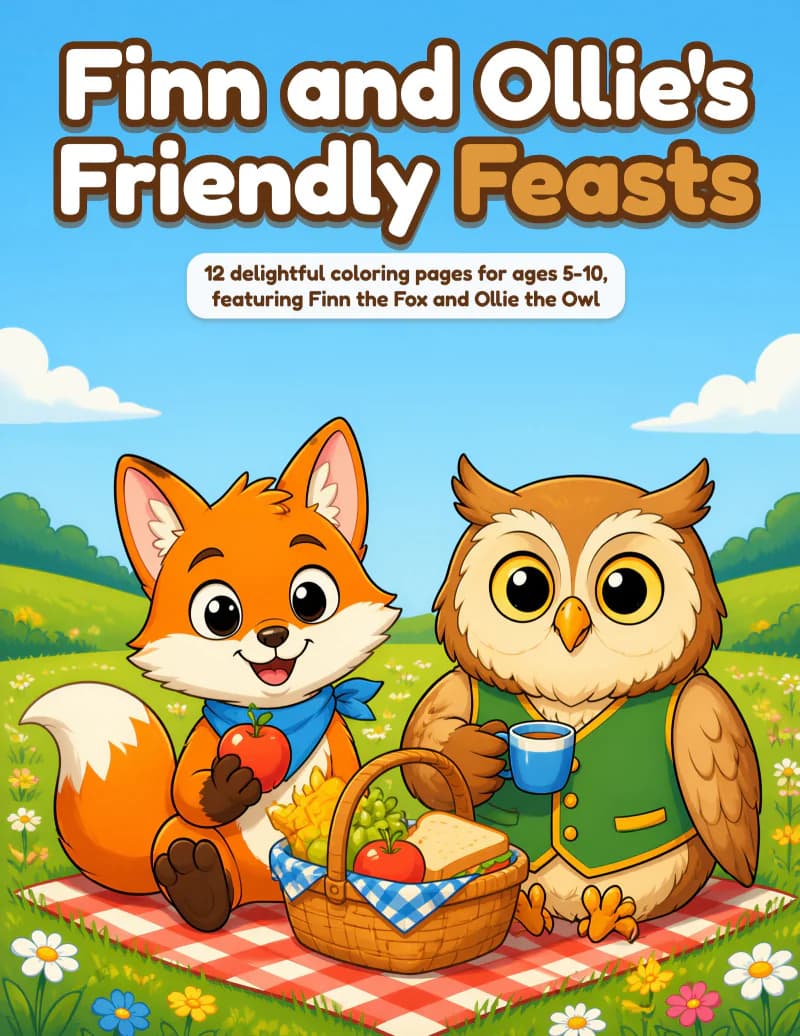
The Finn and Ollie interior below is an actual generated sample. Use it to practice reviewing page order and drawing complexity, rather than treating any public example as a substitute for proofing your own book.
Sources and scope
These references support the article. Review the provider’s current terms before publishing or purchasing.