How Long Should an Ebook Be?
There is no official right length for an ebook, and nobody can give you a reliable standard. What you can do is match length to the job, then see what length costs you on each platform.
By Shri and Sarath · 6 min read · Updated 11 October 2026 · Facts checked 11 October 2026
Search for ebook length and you will find tidy tables of word counts for each kind of book. We don't know of a primary source for any of them. Amazon, for instance, publishes no word-count expectations for ebooks. So this guide gives you a method instead: decide what the reader should be able to do afterwards, write what that takes, and use the platforms' real rules to check the consequences.
Length follows the job
Ask three questions before you pick a number.
- What should the reader be able to do when they finish? A single result (set up a tracker, write a first email) needs fewer words than a whole process.
- What do you have to say about it? Your material sets a ceiling. Stretching it past what you know produces repetition.
- Where will it be read? A file attached to a welcome email, a paid download and a paperback on a shelf are read differently.
The first question gives you a minimum, the second a maximum. If the minimum is higher than the maximum, you need more material, not more words.
What real books of different kinds look like
Rather than a table of norms, here are real books SuperEbook wrote, with their actual lengths in words, so you can see how format and length go together. Each one is a first draft from a single source.
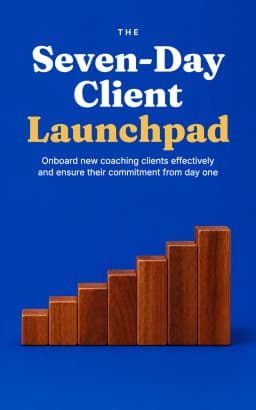
The Seven-Day Client Launchpad
- Format
- Lead magnet
- Words
- 3,751
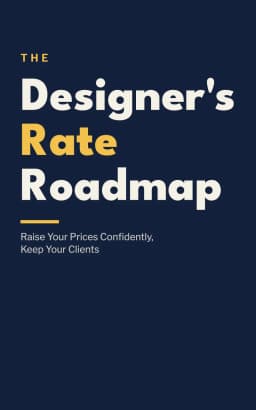
The Designer's Rate Roadmap
- Format
- Lead magnet
- Words
- 3,547
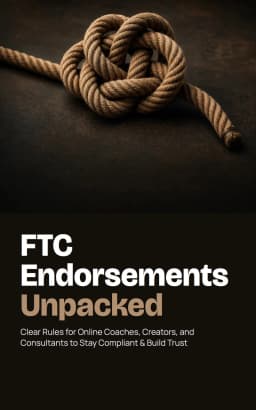
FTC Endorsements Unpacked
- Format
- Lead magnet
- Words
- 3,825
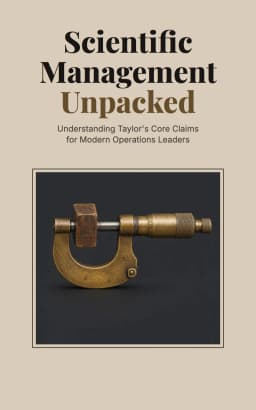
Scientific Management Unpacked
- Format
- Research report
- Words
- 11,161
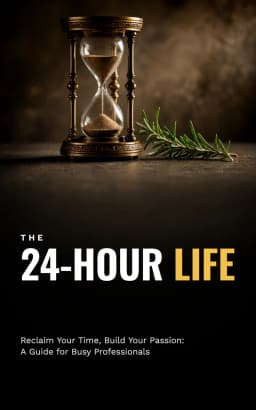
The 24-Hour Life
- Format
- How-to guide
- Words
- 17,067
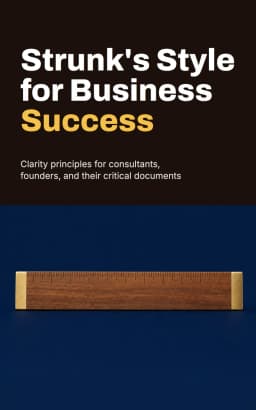
Strunk's Style for Business Success
- Format
- Workbook
- Words
- 18,346
These show what the formats produce, not what the market wants. They are examples of a starting point, and a few thousand words more or less would not change what they are. Open a short one and read it end to end; that is the best way to judge whether a length suits your reader.
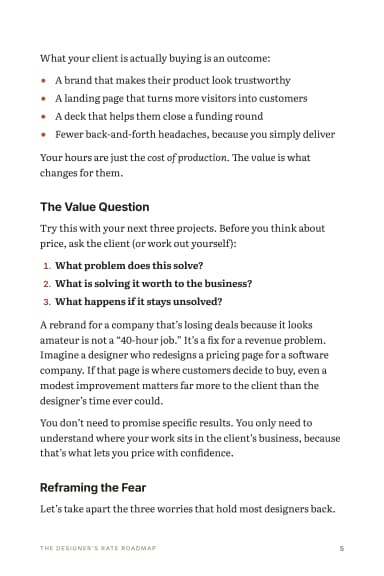
For: Deliver books to clients
Lead Magnet · 27 pages
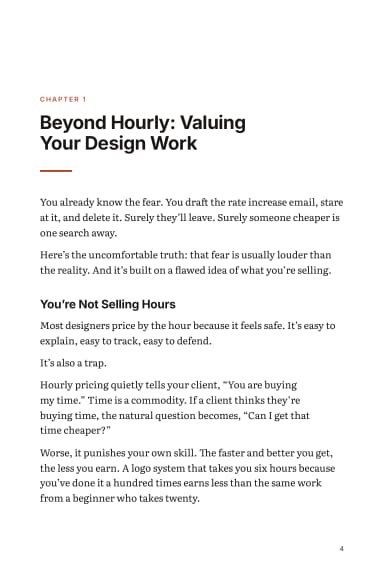
The Designer's Rate Roadmap
From a one-line idea: A short guide for freelance designers on raising their rates without losing clients, with email scripts, simple pricing math and a 30-day plan
Written by Claude Sonnet 5.5 in 2.3 minutes, unedited · 3,547 words · 25 credits to write
A longer one, a how-to guide built from a public-domain book, shows what a longer length demands: more chapters, more structure, and more places to repeat yourself.
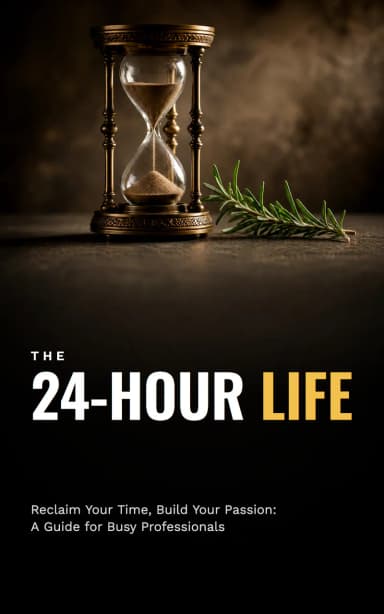
For: Sell what I teach
How-To Guide · 81 pages
The 24-Hour Life
From Arnold Bennett’s How to Live on 24 Hours a Day (1910), in the public domain, split into 30 passages.
Written by Claude Sonnet 5.5 in 3.3 minutes, unedited · 17,067 words · 35 credits to write
Words, pages and reading time
Converting words to pages depends on trim size, type size, spacing, and how many images and headings the book has. There is no single exchange rate, and KDP doesn't publish one. Your own layout decides it.
- Pages. Export your draft and count. The word count to pages converter lets you set a words-per-page figure that matches your layout.
- Reading time. Time yourself reading one typical page aloud and multiply. Readers vary, so treat the result as a rough guide, and say it on the page that offers the book.
- Images and whitespace. They add pages without adding words, which matters for the cost sums below.
What length does on Amazon KDP
Length itself isn't priced by KDP. File size and page count are, and they are related to length in different ways.
Ebooks: file size, not word count. On the 70% royalty option, Amazon.com deducts a delivery cost of $0.15 per MB. A text-only book is small, but images raise the size quickly. At $9.99, a 1 MB file pays $6.89 per sale and a 5 MB file $6.47 (figures checked 2026-10-11, before VAT). The Kindle royalty calculator runs this for your own file.
Kindle Unlimited: pages read. If you enrol in KDP Select, Kindle Unlimited pays by pages read, counted as Kindle Edition Normalized Pages (KENP). KDP standardises the count so it is the same across devices and settings; it starts at the Start Reading Location, usually chapter 1, and images and charts count. A customer can generate credit for at most 3,000 KENP per title, and a re-read is not paid again. So a longer book can produce more paid pages, but only if people keep reading. The KENP calculator takes a page count and a rate.
Paperbacks: page count sets the printing cost. KDP requires at least 24 pages. For a black-ink paperback sold on Amazon.com in regular trim, KDP's Paperback Printing Cost page (checked 2026-10-12) lists a flat fixed cost of $2.30 for 24 to 110 pages (24 to 108 on Amazon.com.au), then $1.00 plus $0.012 for each page above that. Your trim, ink and paper change this, so check KDP's calculator.
24 to 110
- Printing cost
- $2.30
200
- Printing cost
- $3.40
300
- Printing cost
- $4.60
The royalty on Amazon.com is a rate times the list price minus that cost, at 60% from $9.99 and 50% below. So every extra page lifts the price you need just to break even. If you want a long paperback, price it from the printing cost up; if you want a cheap one, keep it short. The self-publishing cost calculator helps you see where a book comes out.
Too long, too short
These are signs from editing, not statistics. They show up in a draft whatever the word count.
- Too long: the same point appears in more than two chapters, chapter openings recap the previous chapter, or you skim your own middle. Cut whole sections rather than sentences.
- Too short: chapters stop just as they get specific, there are principles but no examples, or the title promises a process and the book delivers an overview. Add material, not longer sentences.
- Padded by a tool: generic introductions and restated theses. If a draft feels thin, the cause is usually thin source material, so add another source.
Short isn't a fault if the title says so. A book called a quick guide that is quick is honest; a book that promises a complete method and is not is the problem, at any length.
Set the target before you write
Write one sentence of purpose and give it a rough size. Then divide it across chapters: a target of 5,000 words in six chapters leaves each chapter room for little more than a point, a reason, an example and an action. SuperEbook plans before it writes: you get three title options, a brief and an editable chapter outline for free, and nothing is written until you press Write. That is the moment to notice that a chapter has nothing behind it, before any credits are spent.
Each chapter is written from the passages of your uploaded material that fit it, to the plan you approved. The format sets the scale: a lead magnet costs 25 credits (about $1.08 on the Pro plan), a how-to guide 35 credits (about $1.52), a workbook 35 credits, a research report 30 credits and a course companion 45 credits. Plan figures assume every monthly credit gets used: monthly plan credits expire at the end of each billing period, so a book costs more if some go unused. New accounts start with 50 free credits. Downloads need a paid plan or a credit pack bought from the book's page.
Do this now
- Write one sentence: what the reader can do after finishing.
- Count the source material you have; if it is thin, gather more before choosing a length.
- Choose a rough word target and split it across chapters.
- Export the draft and measure pages in your own layout.
- For KDP ebooks, check your file size against the delivery cost; for paperbacks, check the printing cost for your page count.
- Cut repetition before you add anything.
Write it from your own material.
Plan a book free and see the outline before you spend a credit.
Try SuperEbook free