Start with the reader's next action
The best file is the one that makes the intended task easier. A worksheet needs stable page boundaries. A chapter read on a phone benefits from adjustable type. A manuscript handed to an editor needs to remain editable. Exporting all three formats is useful, but you still need to choose which one to lead with.
Send a PDF for pages that need to stay put
PDF is useful for a designed lead magnet, a printable workbook or a document whose page numbers you reference. Its layout stays fixed, so zooming and scrolling may be necessary on a small screen. Check that body text is readable without constant horizontal movement.
For a workbook, verify interactive fields in the readers you expect learners to use. SuperEbook adds its fillable answer pages in an appendix. A preview image cannot demonstrate whether those fields work; open the downloaded PDF and try them.
Send an EPUB for sustained reading
EPUB lets a compatible reading app reflow the text as the reader changes font size or screen width. That suits chapter-based reading, but means a reference such as 'see page 12' may no longer be useful. Prefer chapter names and descriptive links when you can.
Open the file in a real reading app, increase the font size and check the table of contents, paragraph breaks and chapter order. A PDF that looks good does not prove the EPUB will read well.
Send a DOCX when the next person will edit
DOCX is useful for an editor, collaborator or your own final revision. Fonts and pagination can vary between editing applications. Treat it as a working manuscript and review the final distribution format after making changes.
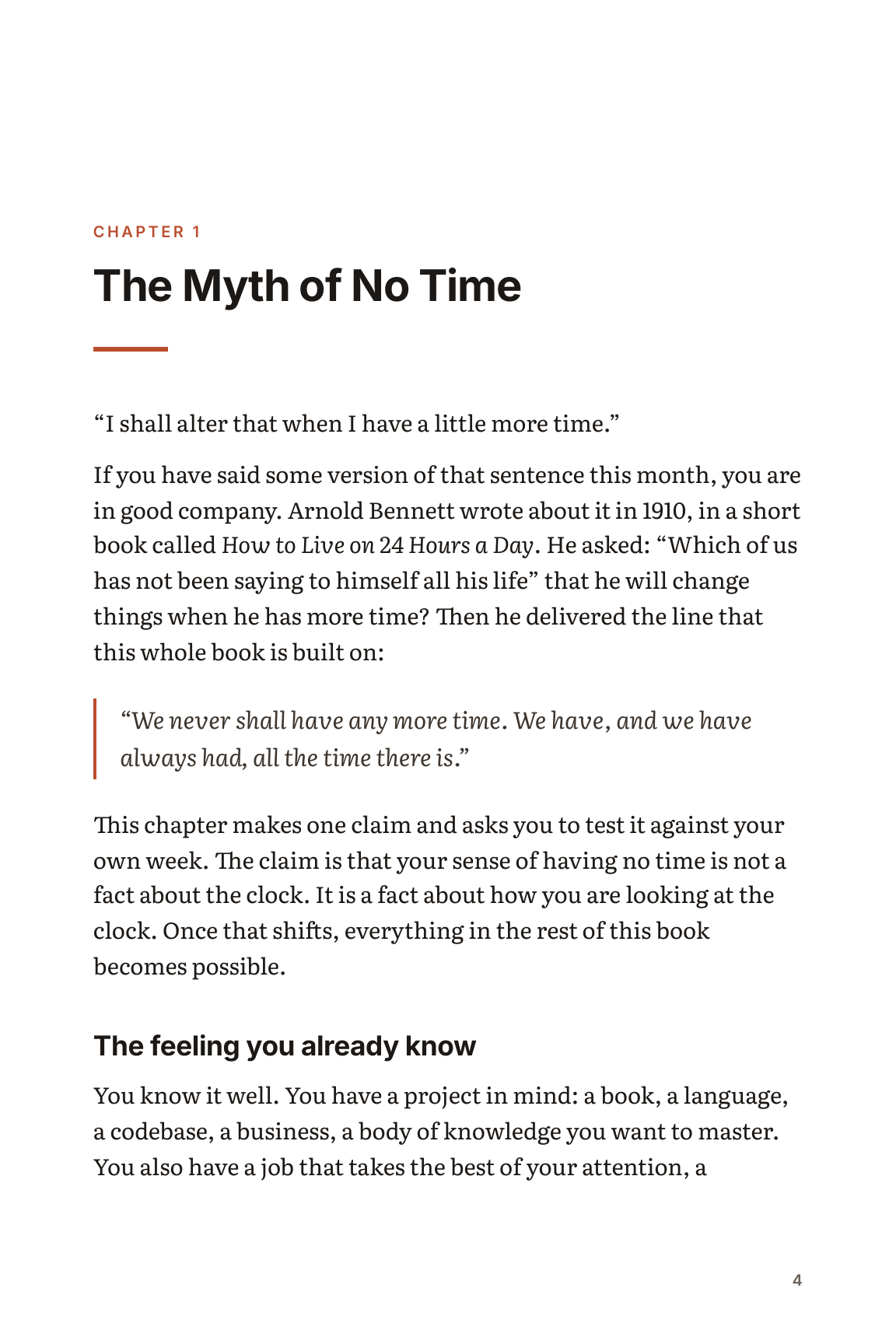
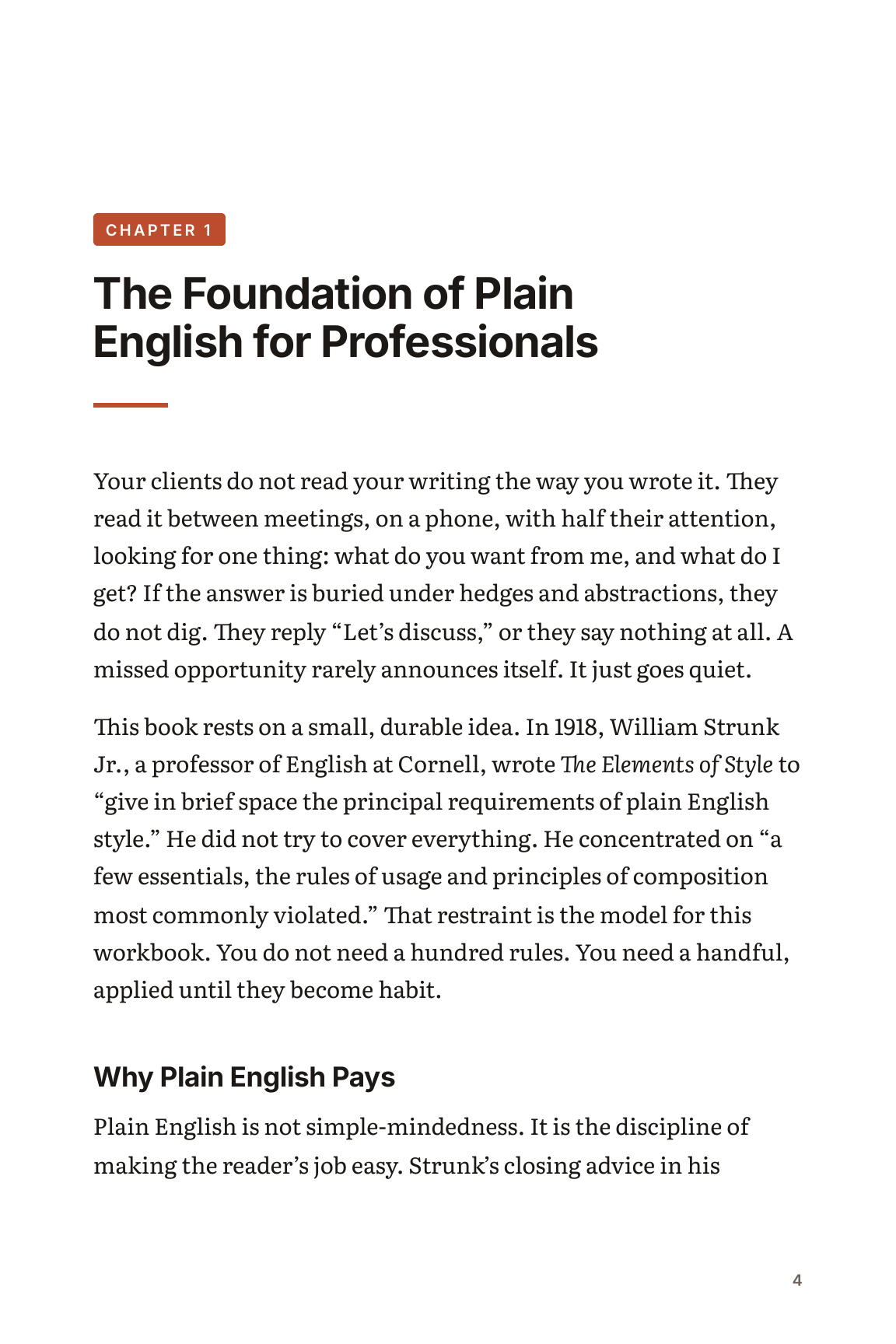
Download the Bennett sample in all three formats below. Compare one chapter rather than judging only the cover. Keep your reviewed exports together with a version label so you can reproduce what a reader received.